



 Svenska
 Dansk
Dansk
 Norsk
Norsk
 Suomi
Suomi
 Eesti
Eesti
 Latviešu
 Lietuvių
 Deutsch
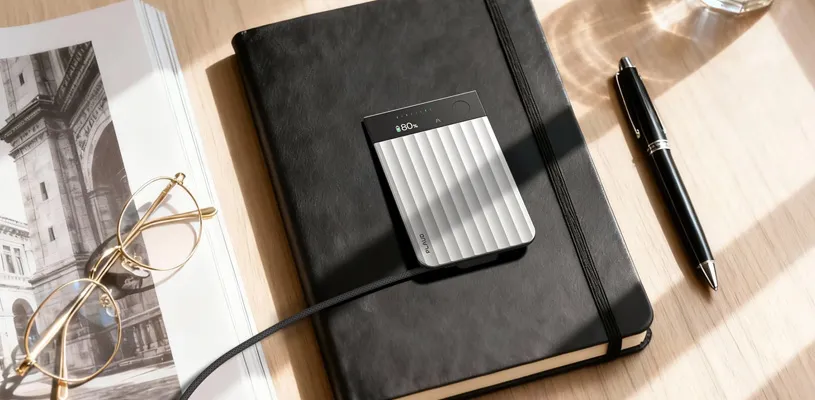
Are you having problems with your Plaud not charging or starting? The charger you use is usually the most common cause. That’s why we recommend always using the one that came with it.
These steps do not affect your data or your settings. All information is linked to your account, so you never need to worry about losing data, even if you reset the device.
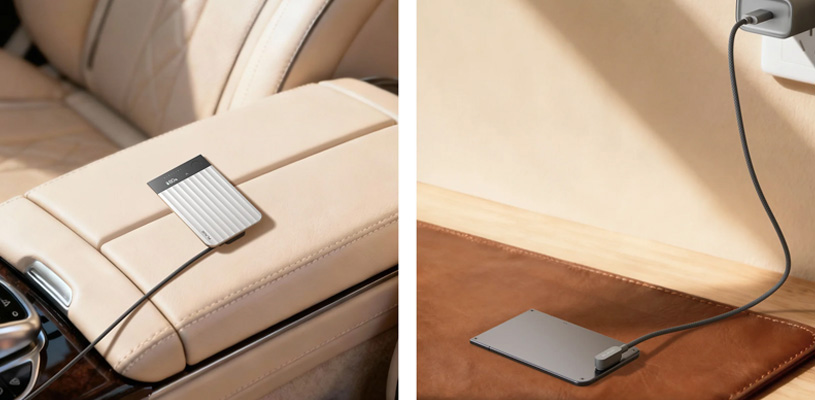
1. Check the charger (important)
- Make sure you are using the original charger that came with the device.
- If you use another charger, you must be completely sure that it has
Specifications:
- Labeled DC-5V
- At least 0.5A output
The wrong charger is the most common cause of problems.
2. Charge without the case
- Remove the device from the MagSafe case
- Connect the charging cable directly to the device
3. Check the cable
- Use the original cable if possible
- Make sure the cable is securely connected
- Try gently moving the cable to ensure contact
- Check that the indicator light turns on
- If the light is on: let the device charge for at least 10 minutes
4. Clean the charging surface
- Use a dry paper towel
- Gently clean the contact surface on the device
- Dirt can affect charging.
5. Reset the device
- If the problem persists:
- Connect the device to power
- Hold down the recording button for 15 seconds

Important: The device must be connected to power while you hold the button.