



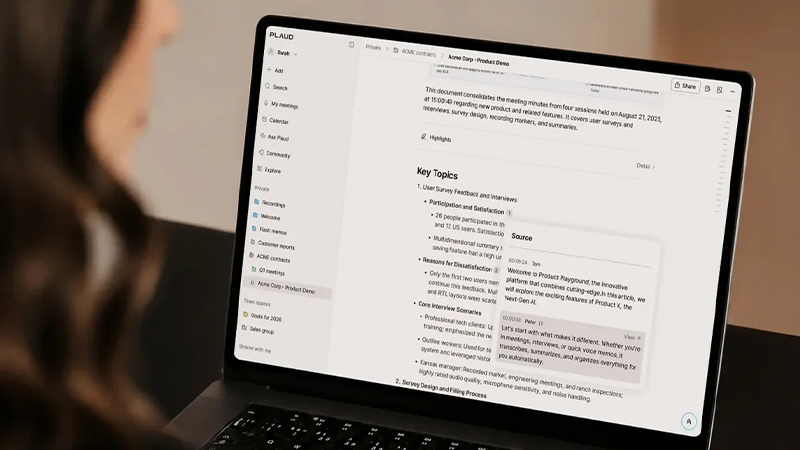
The meeting is over, the laptop closes, and everyone moves on to the next item on the calendar. But that is often exactly when the real work begins. What did we actually decide? Who was supposed to do what? And when was it due?
It is easy to think of meeting notes as a way to document what was said. With AI tools like Plaud, however, you can take it a step further. A recorded meeting can be transcribed, summarized, and turned into clear decisions and tasks. In that way, what would otherwise easily disappear when the meeting ends becomes something we can actually work from.
The problem often starts after the meeting
During the meeting itself, it usually feels as if everyone is aligned. We discuss a problem, reach a solution, and someone says they will handle the next step. Two days later, the picture can be much less clear.
Notes help, of course, but the person taking them also has to listen and take part in the discussion. What is more, notes are always a selection. We write down what we ourselves see as important and therefore risk missing a detail that later turns out to be crucial.
From conversation to searchable information
With an AI-based voice recorder like Plaud Note or Plaud NotePin, the meeting can instead be captured as it happens. The recording can then be transcribed so that the spoken conversation becomes text you can read and search.
That makes a big difference when you are trying to remember a specific detail a few days later. Instead of flipping through a notebook or listening to an hour-long recording, you can go back to the transcription and find the part of the conversation you actually need.
A summary instead of a full transcript
A full transcript is useful, but after a long meeting it can run to thousands of words. That is rarely something we want to read from start to finish. That is where the AI summary comes in.
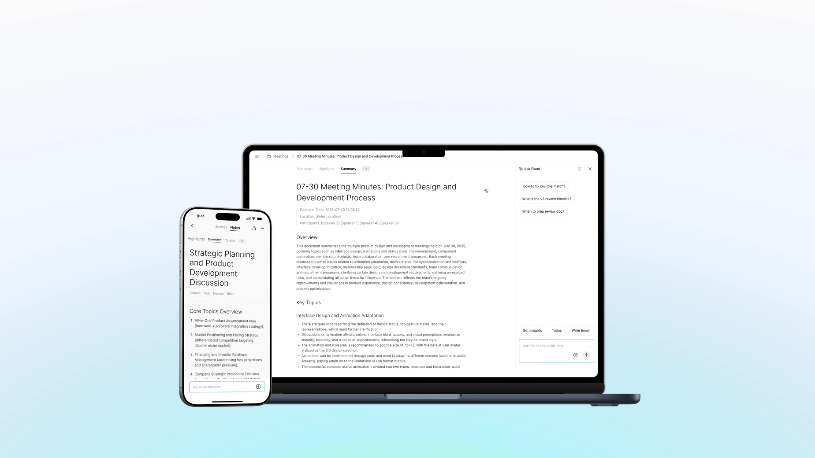
Plaud can analyze the conversation and create a more focused summary of what was discussed. That lets you get a quick overview of the meeting without going through every line. At the same time, the original recording and transcription are still there when you need to check a detail or place something in context.
Decisions are often more important than the discussion
A meeting can last an hour even though it really only results in three or four concrete decisions. Those decisions are also among the most important things to be able to find later.
This is where AI becomes especially useful. Instead of just producing running text, the information can be structured so that decisions, conclusions, and key points become clearer. It becomes easier to see what the meeting actually led to, not just what the participants talked about along the way.
Who was supposed to do what?
Then there is the classic question after almost every meeting: who actually took on that task?
If tasks and next steps are identified in the meeting summary, the transition between discussion and actual work becomes much smoother. It might involve sending supporting material, contacting a customer, checking a figure, or coming back with a new proposal.
Instead of everyone leaving the meeting with their own idea of what is supposed to happen, there is a shared point of reference. That also reduces the risk of a task simply falling through the cracks.
Ask the meeting instead of searching yourself
Another interesting feature of Plaud is Ask Plaud. Instead of searching through a long transcript yourself, you can ask questions about the material and get help finding the information you are looking for.
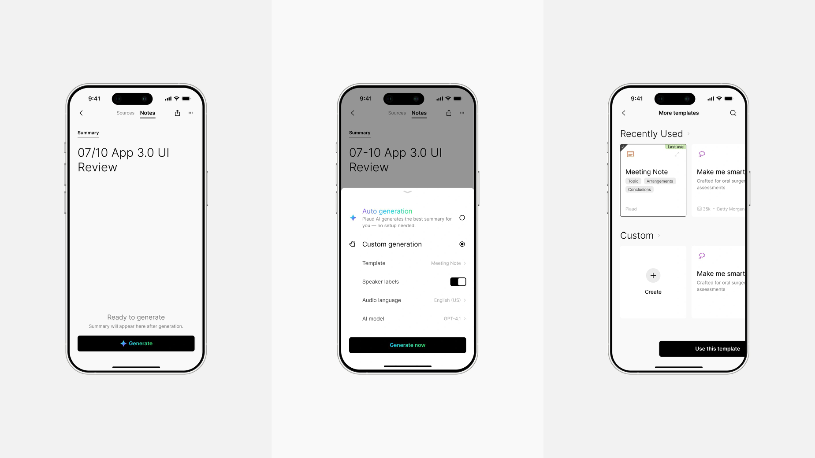
These can be simple questions like "Which budget did we discuss?" or "What did we decide about the launch?". But you can also use the feature to compile information, identify recurring themes, or pull out the most important points from a longer conversation.
It changes how we can think about old meetings. They become not just documents to be archived, but a knowledge base you can return to when the information is actually needed.
Highlight what matters during the conversation
Of course, not everything said in a meeting is equally important. Sometimes, though, a comment, figure, or idea comes up that you immediately know you will want to find again.
With Press to Highlight on compatible Plaud devices, you can mark those moments during the recording itself. The marker gives AI additional context about what you considered important, which can help later when the material is processed and summarized.
It is a bit like using a highlighter in a conversation, but without having to interrupt the discussion to write everything down.
Meeting notes without becoming the meeting secretary
Perhaps the biggest practical advantage is that you can be more present in the conversation itself. Instead of trying to write down every important detail, you can focus on the discussion and let the recording act as a safety net.

That does not mean your own notes become pointless. On the contrary, a few personal comments together with a full transcription and AI summary can be far more useful than a rushed attempt to document the entire meeting by hand.
The meeting can become the beginning, not the end
What is interesting about AI-based meeting tools is therefore perhaps not the recording itself. We have been able to record audio for decades. The difference lies in what happens to the information afterward.
When a conversation can be turned into a transcript, a summary, decisions, and concrete next steps, the meeting becomes easier to use as working material. And the next time someone asks, "What did we actually decide?" the answer does not have to be hidden in someone’s notebook.
Which Plaud is best for meetings?
Plaud Note is a convenient option for anyone who mainly wants to record meetings, conversations, and phone calls. Its slim design makes it easy to carry with your phone and use both in the office and on the go.
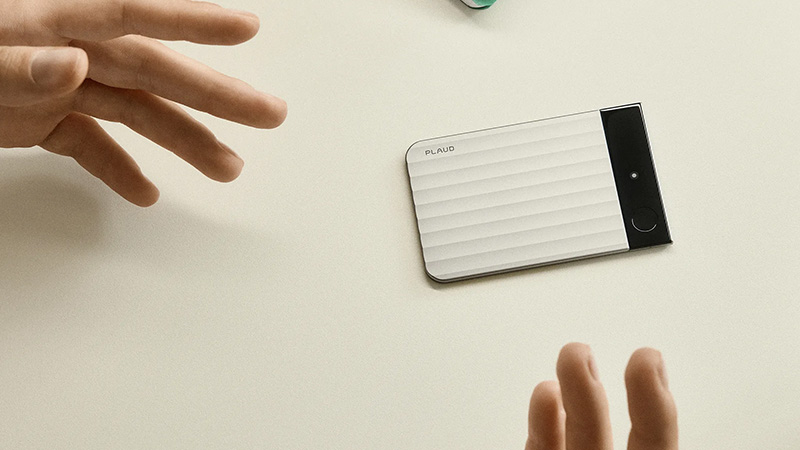
Plaud NotePin, by contrast, is designed to be worn and is a good fit for anyone who wants to capture conversations throughout more of the workday. For those who want more advanced features, Plaud Note Pro is also available, building on the concept with improved recording and smarter interaction directly from the device.
FAQ
Can Plaud summarize an entire meeting?
Yes. After the recording, Plaud can transcribe the conversation and use AI to create a summary. That lets you pull out the main points without having to read the full transcript. The original material is still there if you later need to check exactly what was said.
Do I have to read the full transcript after the meeting?
No, and that is really a big part of the point. Summaries give you a quick overview, while the transcript serves as a more detailed reference. With Ask Plaud, you can also ask questions about the content when you are looking for a specific detail or a particular decision.
Can Plaud find tasks and next steps?
AI summaries can help structure key points, decisions, and actions from a conversation. That can make it much easier to see what needs to be done after the meeting and who is responsible for different parts, provided that it comes through clearly in the conversation.
What is Press to Highlight?
Press to Highlight makes it possible to mark important moments while the recording is in progress on compatible Plaud devices. In this way, you can signal that a certain part of the conversation is especially important without having to interrupt to write a longer note.
Which Plaud model is best for meetings?
It depends on how you work. Plaud Note is well suited to traditional meetings and phone calls, while NotePin is made to be worn and to follow you easily throughout the day. Note Pro is an option for anyone who wants Plaud’s more advanced recording and interaction features.