


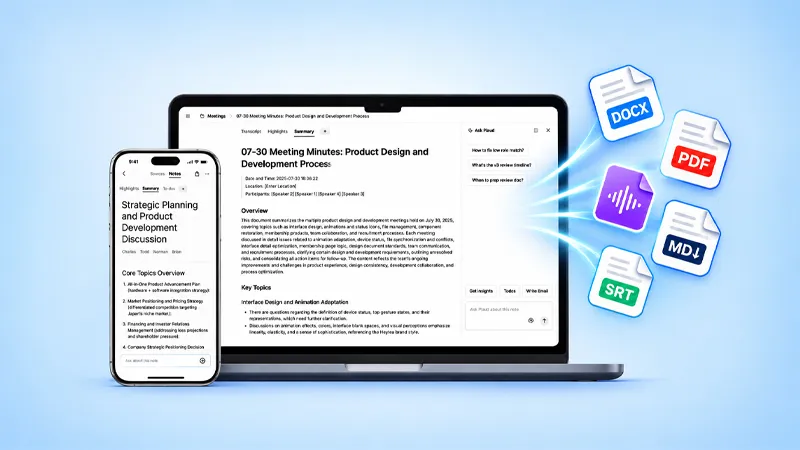
Recording a conversation and turning it into text is just the beginning. Often, the real work starts only after the recording is finished. Notes need to be compiled, ideas developed, and information moved into the programs where you continue working.
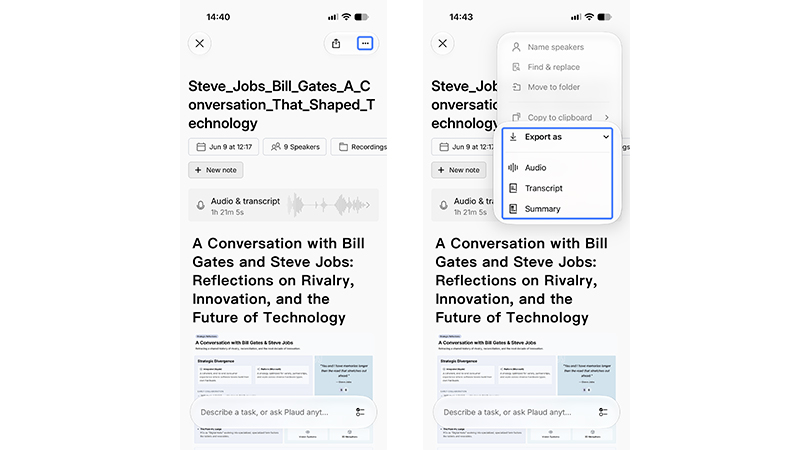
Plaud does not have to be the final stop for your recordings. By exporting audio files, transcriptions, and AI-generated summaries, you can easily use the material alongside your existing work tools.
From recording to finished document
An interview, lecture, or review can contain a lot of information you need to revisit. Instead of switching between different apps while you write, you can export the full transcription as an editable Word document. From there, you can work on the content, add your own comments, and use parts of the text in other documents.

For anyone who mainly wants to save the information for future use, PDF may be a better option. It is especially useful when you want to collect documentation from a project or build a personal reference library with earlier recordings.
Use your notes in other work tools
Many people have already found their favorite programs for planning, writing, and project work. It could be Microsoft Word, Google Docs, Notion, or Obsidian. You do not have to give up a working process just because you start using Plaud.
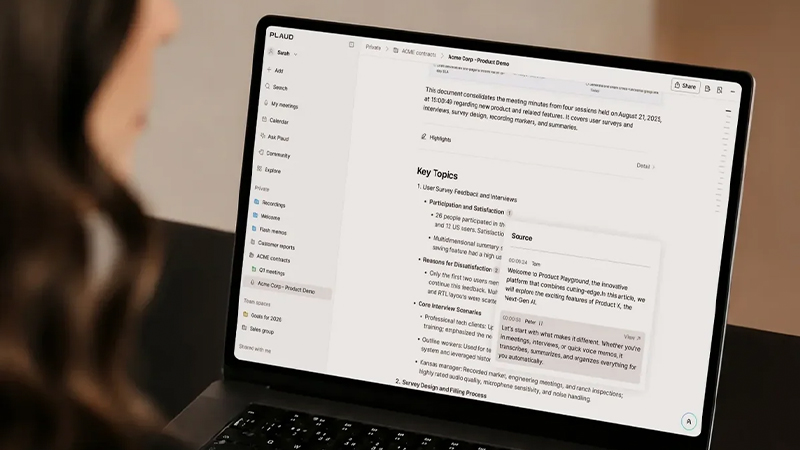
By choosing Markdown when you export your AI summaries, you can carry the text's basic structure into compatible writing tools. If you prefer to decide for yourself how the content should be formatted, you can also export it as plain text. That makes it easy to pull out relevant parts and use them in articles, presentations, or project descriptions, for example.
Bring the audio into the editing software
Not every recording needs to end up as text. For anyone working in journalism, podcasts, or video production, the audio recording itself can be just as valuable as the transcription. Maybe you recorded an interview where a few selected quotes will be used in an upcoming production.
The audio can be exported in MP3 or WAV and then opened in Audacity or Adobe Audition, for example. There is also support for exporting transcriptions in SRT format, which is commonly used for video subtitles. Remember to always check the subtitles against the original recording before publishing the material.
Keep the information that matters to you
When you continue working with longer recordings, it can be useful to know exactly when something was said and who said it. When exporting transcriptions, you can choose which additional information should be included. This makes it easier, for example, when you need to find a specific quote again.
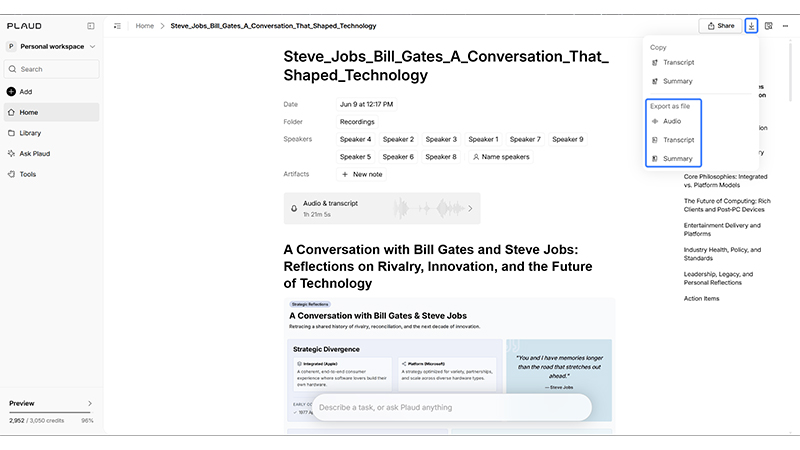
If you only want to use a summary as the basis for a new text, you do not need to save any files at all. You can copy the content directly from Plaud and paste it wherever you want to continue working. A convenient option when you want to capture an idea quickly without creating another document.
Make export part of your workflow
One tip is to think about what the material will be used for before you start recording. Should the conversation form the basis of an article, become part of a larger project, or be saved as documentation? By thinking through the end result, it becomes easier to choose which content you need to export.
Feel free to create a folder structure in the program or cloud service where you usually store your documents. Gather material belonging to the same project and give the files clear names. That way, your recordings become a natural part of your existing workflow instead of information left behind in a separate app.
FAQ
Can I export my transcriptions to Word?
Yes, transcriptions and summaries can be saved in DOCX format.
Can I export my notes in Markdown?
Yes, Markdown is one of the formats supported when exporting AI-generated summaries.
Can I save my original audio recordings?
Yes, audio recordings can be exported as MP3 or WAV.
Can I export from Plaud without using my phone?
Yes, the export function is also available in Plaud's web-based interface.
Can I export multiple recordings at once?
The standard export function handles one recording at a time.